 Convert Anything · for Mac
Drop it in. Get what you need.
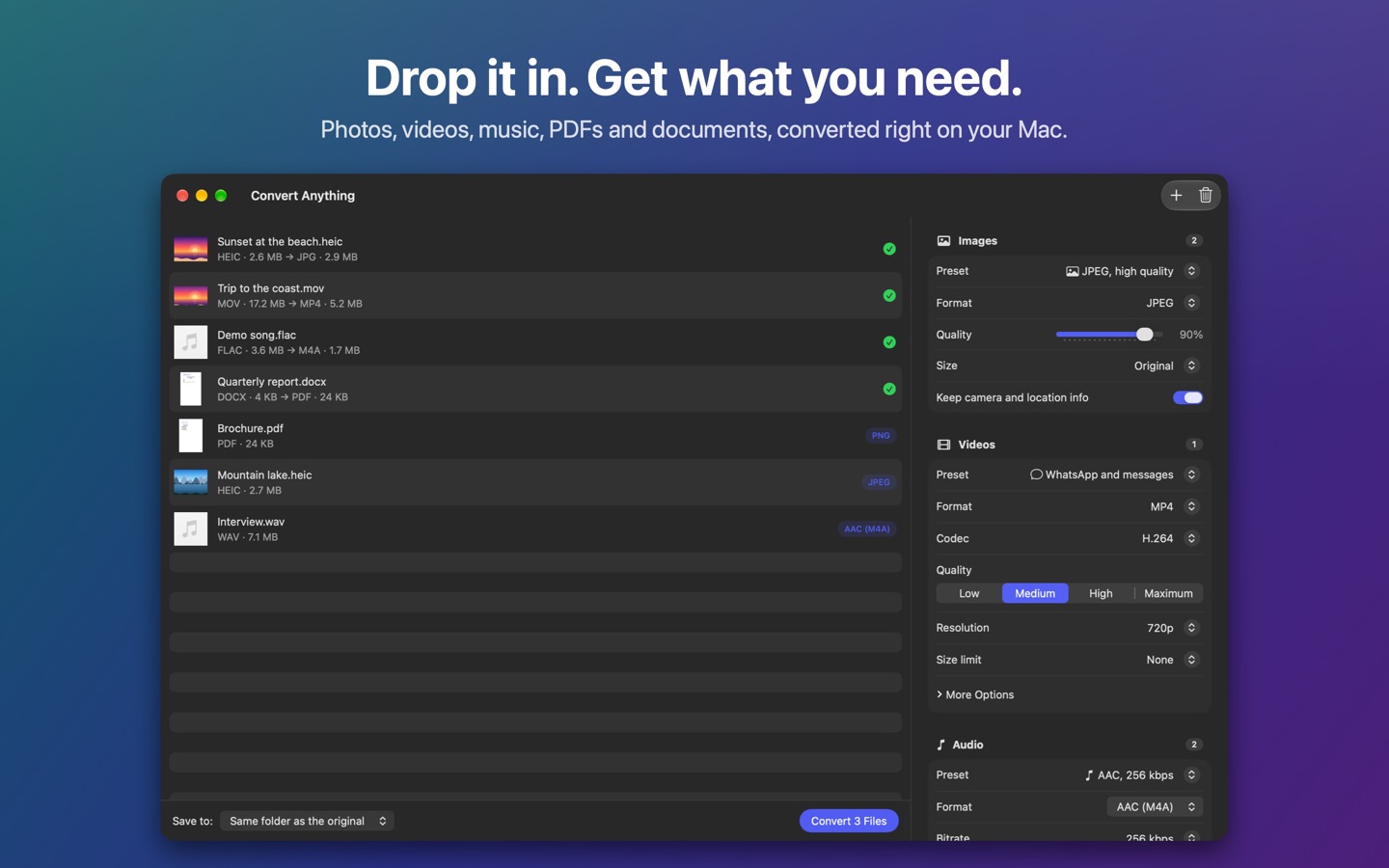
Photos, videos, music, PDFs and documents, converted right on your Mac. Drop the files on the window, pick a preset or a format, and click Convert. Nothing is uploaded anywhere.
What it doesPay once, no subscription
Coming soon directly from us, for macOS 14 Sonoma or later.
What it does
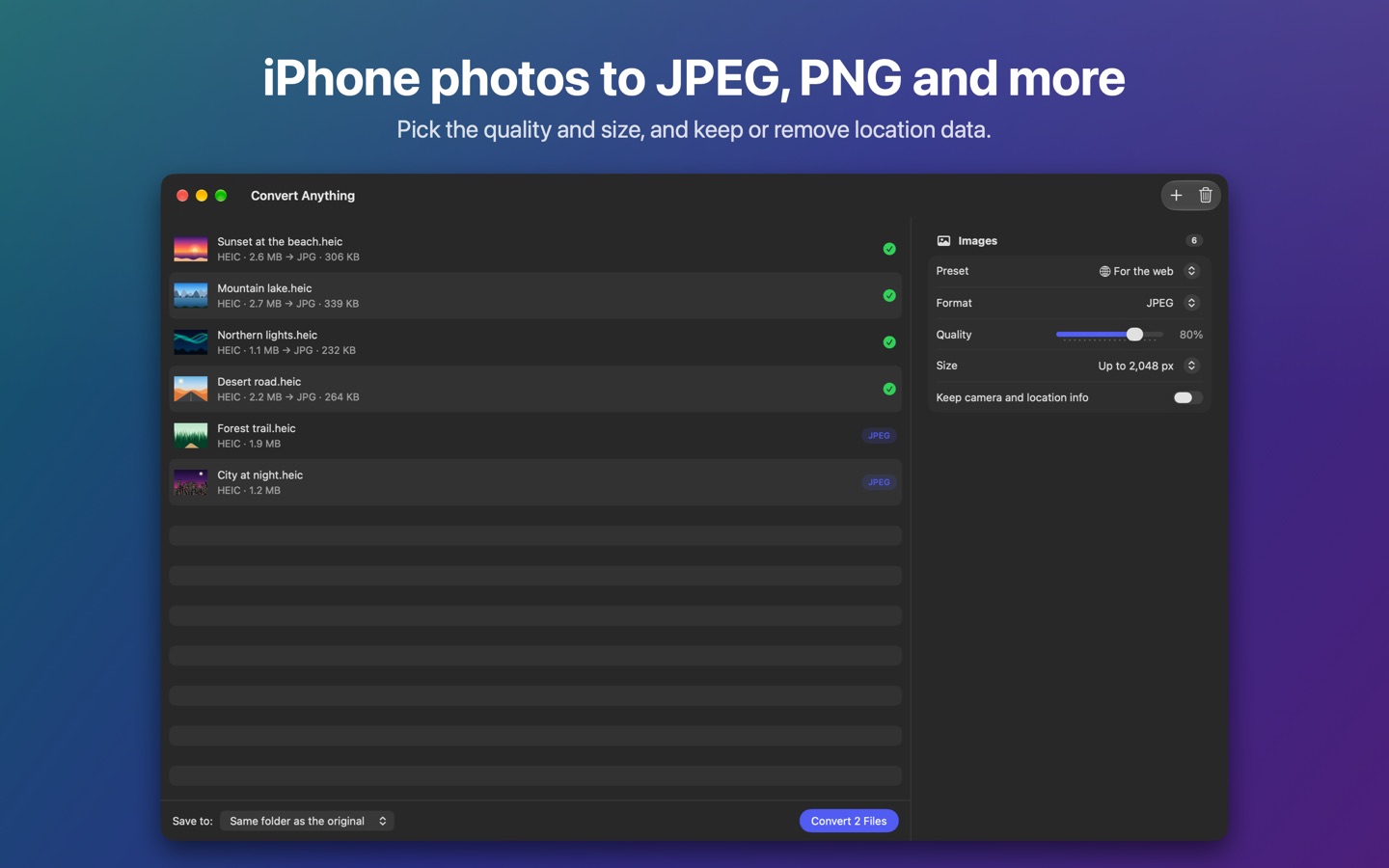
- Photos and imagesiPhone HEIC to JPEG, PNG, HEIC, AVIF, WebP, TIFF, GIF, PSD, ICO or PDF. Opens RAW and every format macOS can read, and photos always come out the right way up.
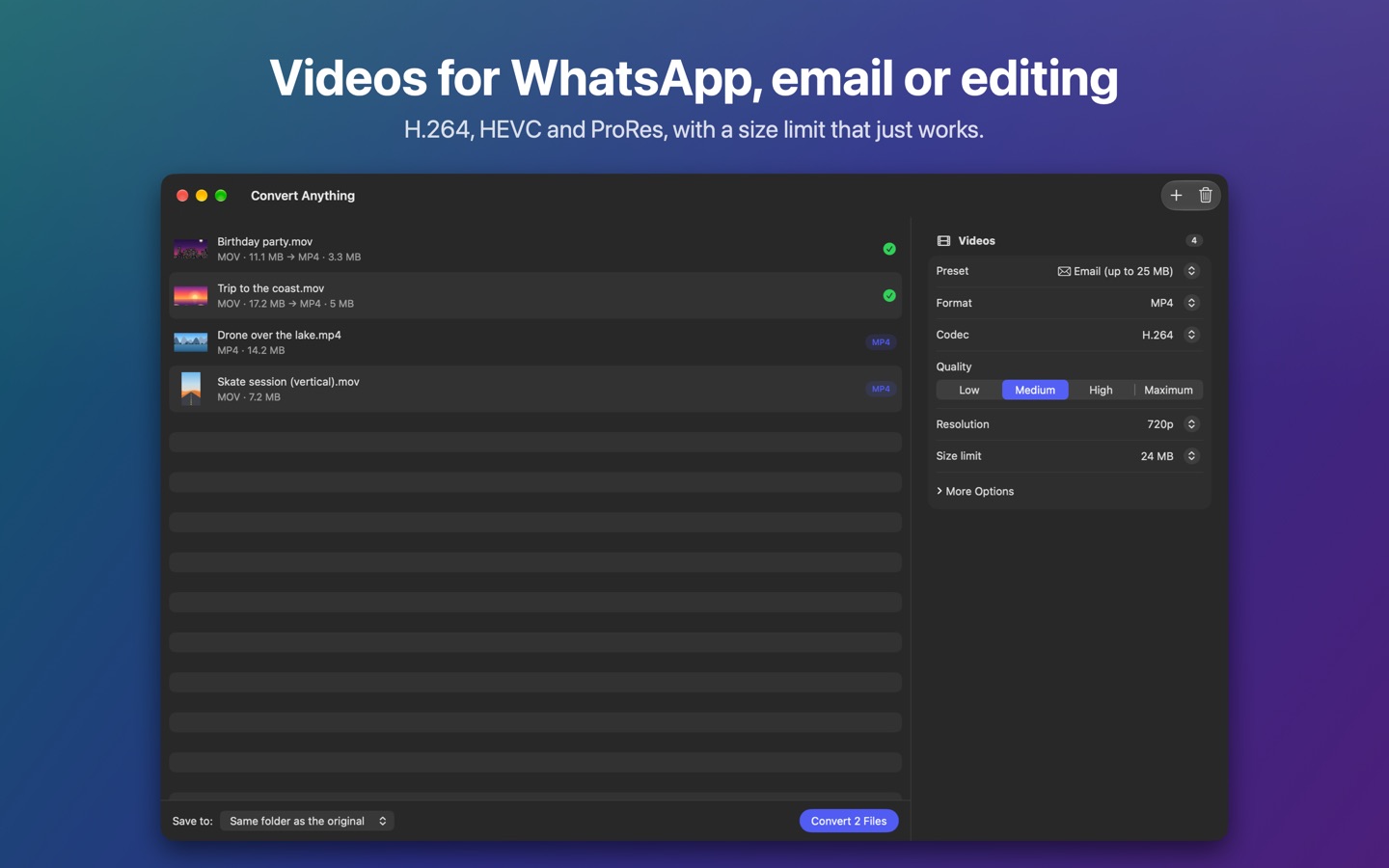
- VideoMP4, MOV and M4V with H.264, HEVC or ProRes on your Mac's own video encoders, plus MKV, WebM, AVI and WMV. Opens FLV, MPG, VOB, TS and 3GP too.
- Presets that just workWhatsApp, email (up to 25 MB), the web and video editing, or set the resolution, quality, frame rate and a size limit yourself.
- Music and audioMP3, AAC, Apple Lossless, FLAC, WAV, AIFF, Ogg and Opus, with song tags and album art carried over. Or keep just the sound of a video.
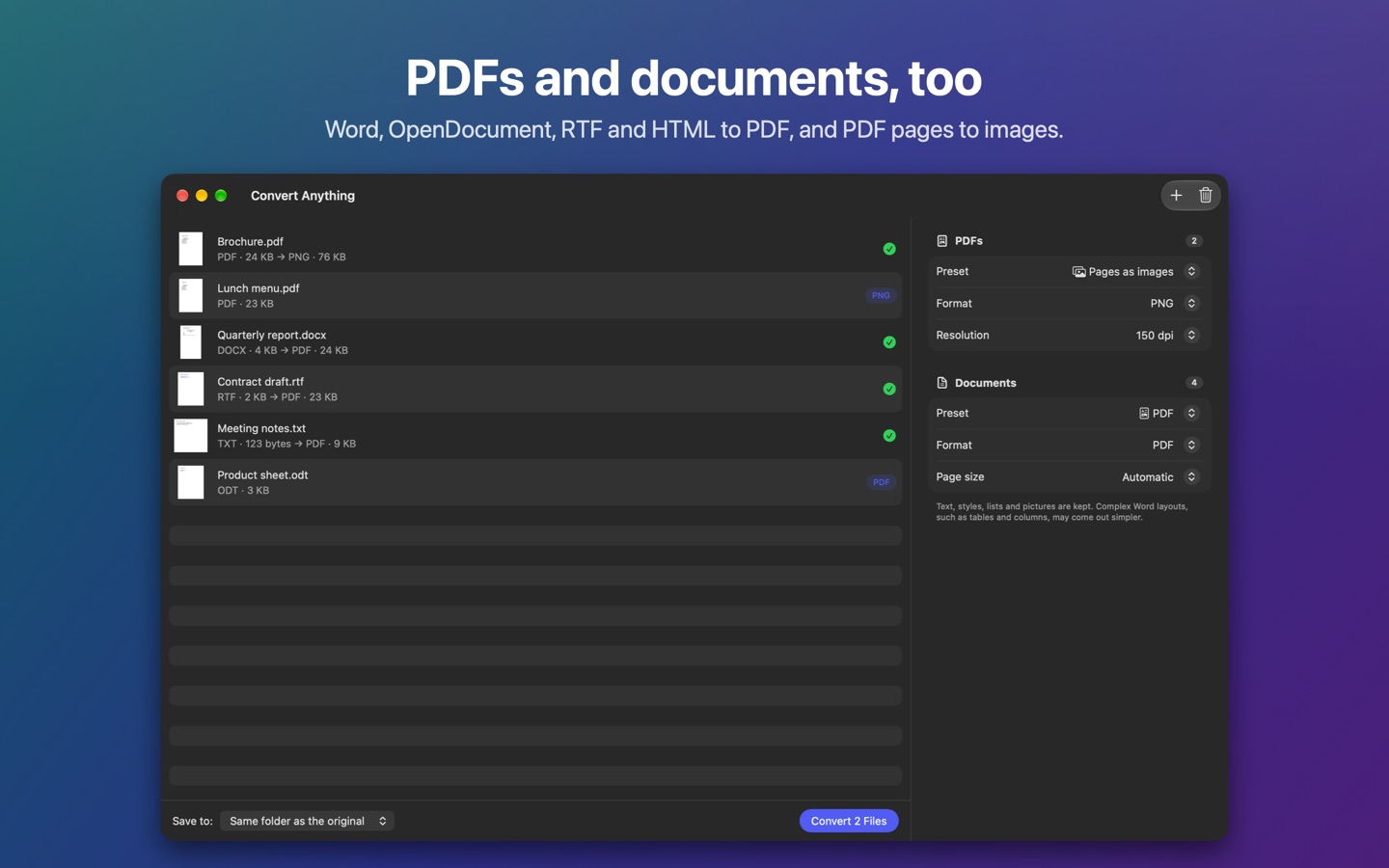
- PDFs and documentsPDF pages to images, smaller PDFs and the text out of a PDF. Word, OpenDocument, RTF, HTML and text files to PDF, DOCX, ODT, RTF or plain text.
- Many at onceWhole folders and batches, saved next to the originals, in Downloads or a folder you choose, without ever overwriting a file.
- From FinderSend files from Finder's right-click menu, or drop them on the Dock icon.
- PrivateEverything is converted on your Mac. No account, no uploads, no tracking.
Screens
Bought directly from us
The same app as on the Mac App Store, with a little more. Compare the two.
- No folder promptsSaves next to the originals and follows shortcuts to other drives without asking for folder access.
- Up to 5 MacsOne licence, with a key, for the Macs you use. Activate with the key, or the email or CPF you paid with.
- Card or PixPay through Kiwify with a card from anywhere, or Pix in Brazil, and the app updates itself.
Pay once. That's it.
R$ 79.90. No subscription, no in-app purchases, no ads, no tracking.
Questions
Can I try it first?
The download is free, but Convert Anything only converts once it's activated. If it doesn't do what you need, write to us within 14 days and you get your money back. See the refund policy.
Does it replace my original files?
No. The converted file is saved as a new file, and Convert Anything never overwrites one that's already there.
Which Macs does it run on?
Any Mac with macOS 14 Sonoma or later, Apple silicon or Intel.
App Store or directly from you: what's the difference?
It's the same app. Bought from us, it does a little more, asks for fewer permissions, covers up to 5 Macs and updates itself. See the comparison.
Does it collect data about me?
No. There are no accounts, analytics or ads, and your files never leave your Mac. See the privacy notice.