 Extracta · for Mac
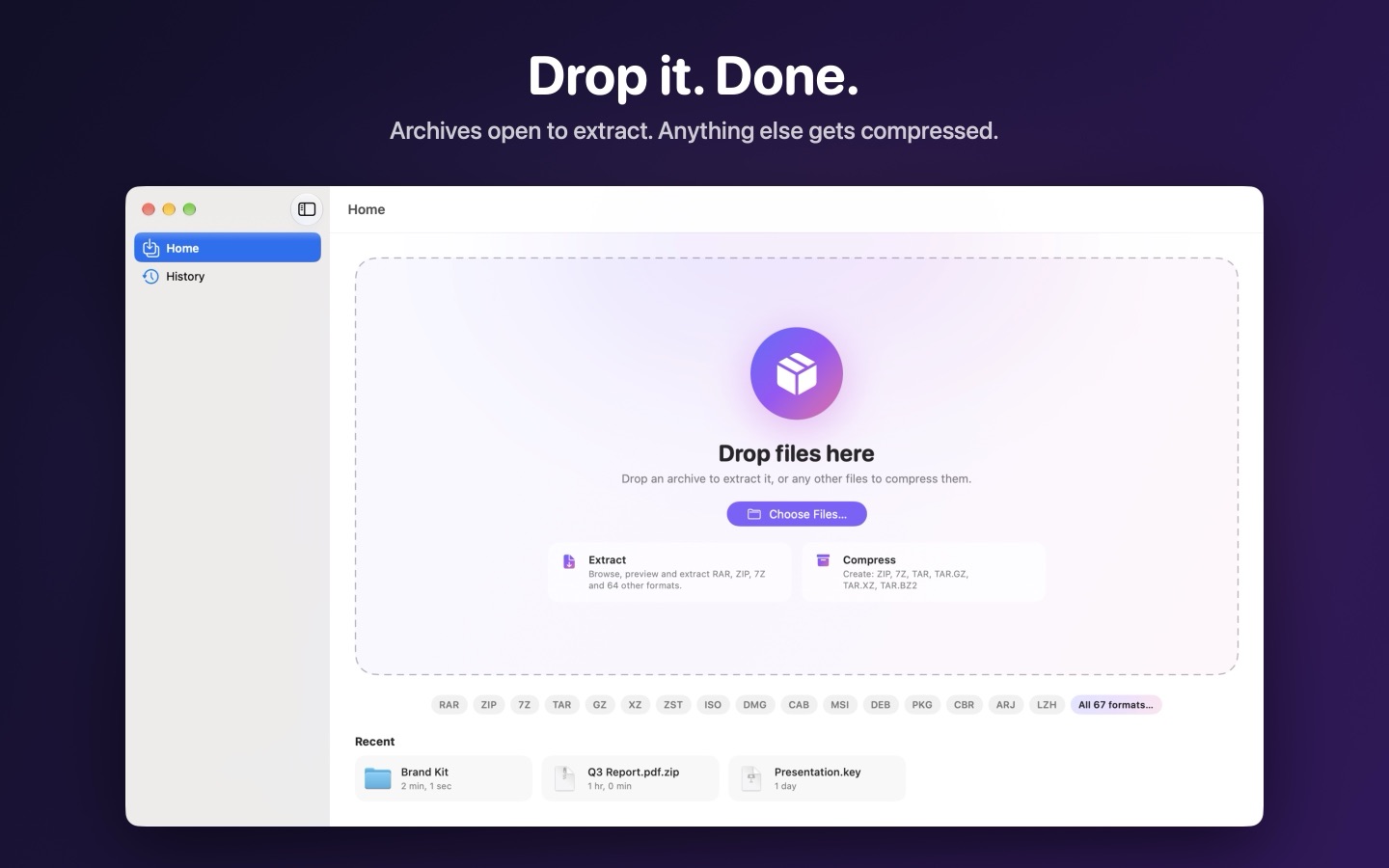
Drop it. Done.
Drop an archive on Extracta to open it, or drop anything else to compress it. RAR, ZIP, 7Z and more than 60 other formats, with no modes or menus to learn.
What it doesPay once, no subscription
Coming soon directly from us, for macOS 14 Sonoma or later.
What it does
- 60+ formatsRAR and RAR5, ZIP, 7Z, TAR, GZ, XZ, ZSTD, ISO, DMG, CAB, MSI, DEB, RPM, PKG, CBR, CBZ and more.
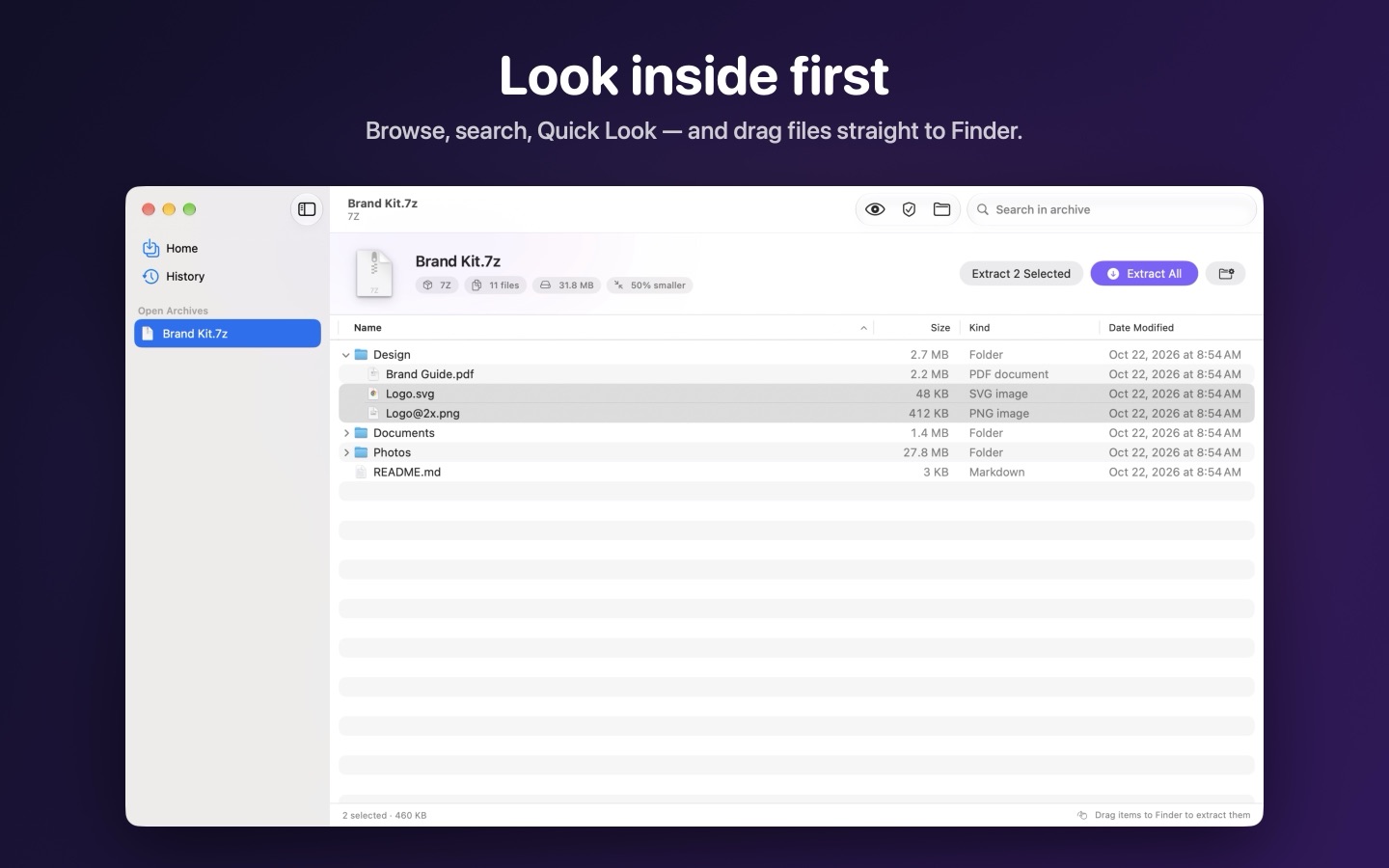
- Look inside firstBrowse the folders, search and preview any file with Quick Look before extracting anything.
- Drag to FinderPull just the files and folders you need straight out of the archive.
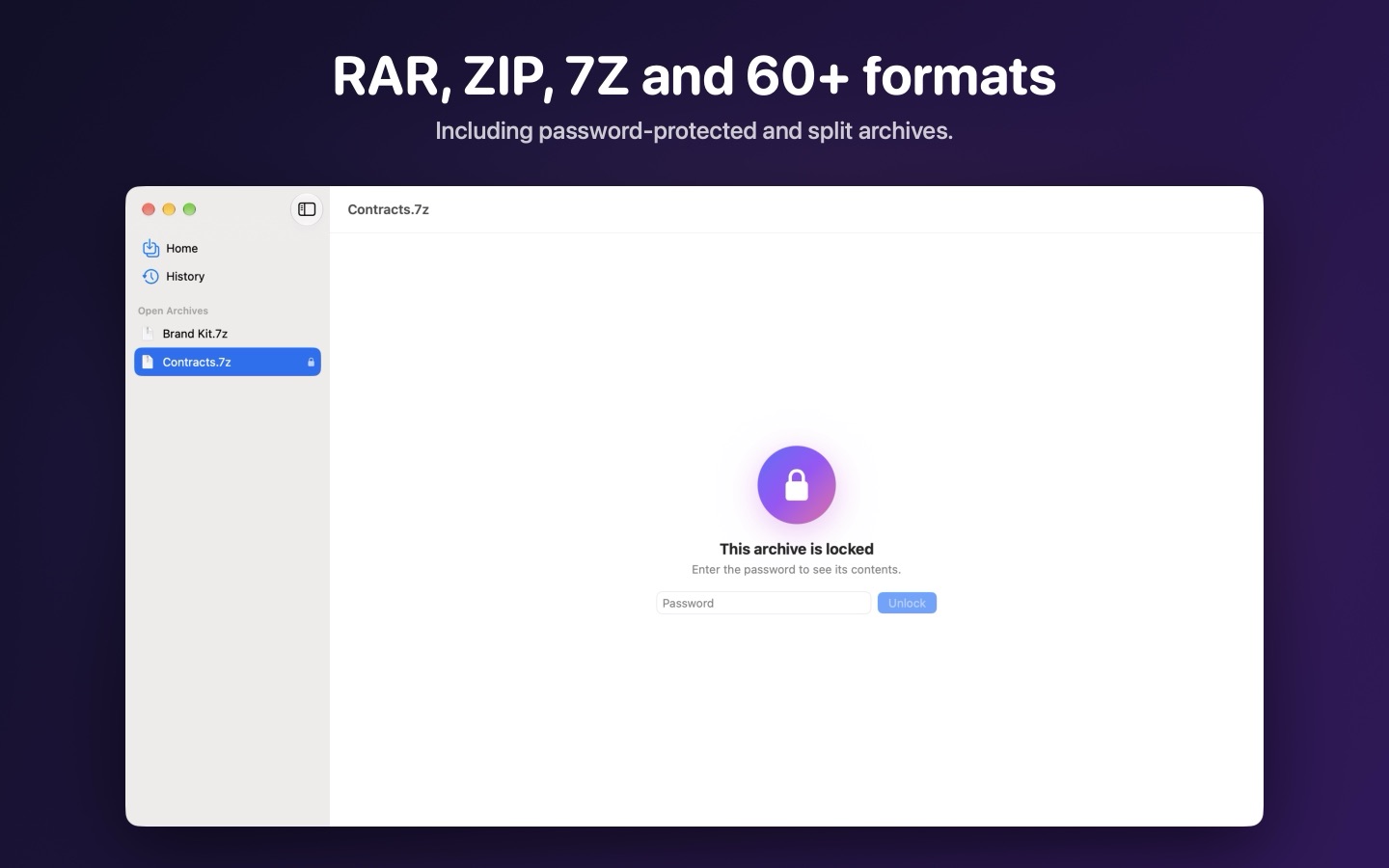
- Passwords and partsOpens password-protected and split archives, and checks damaged ones.
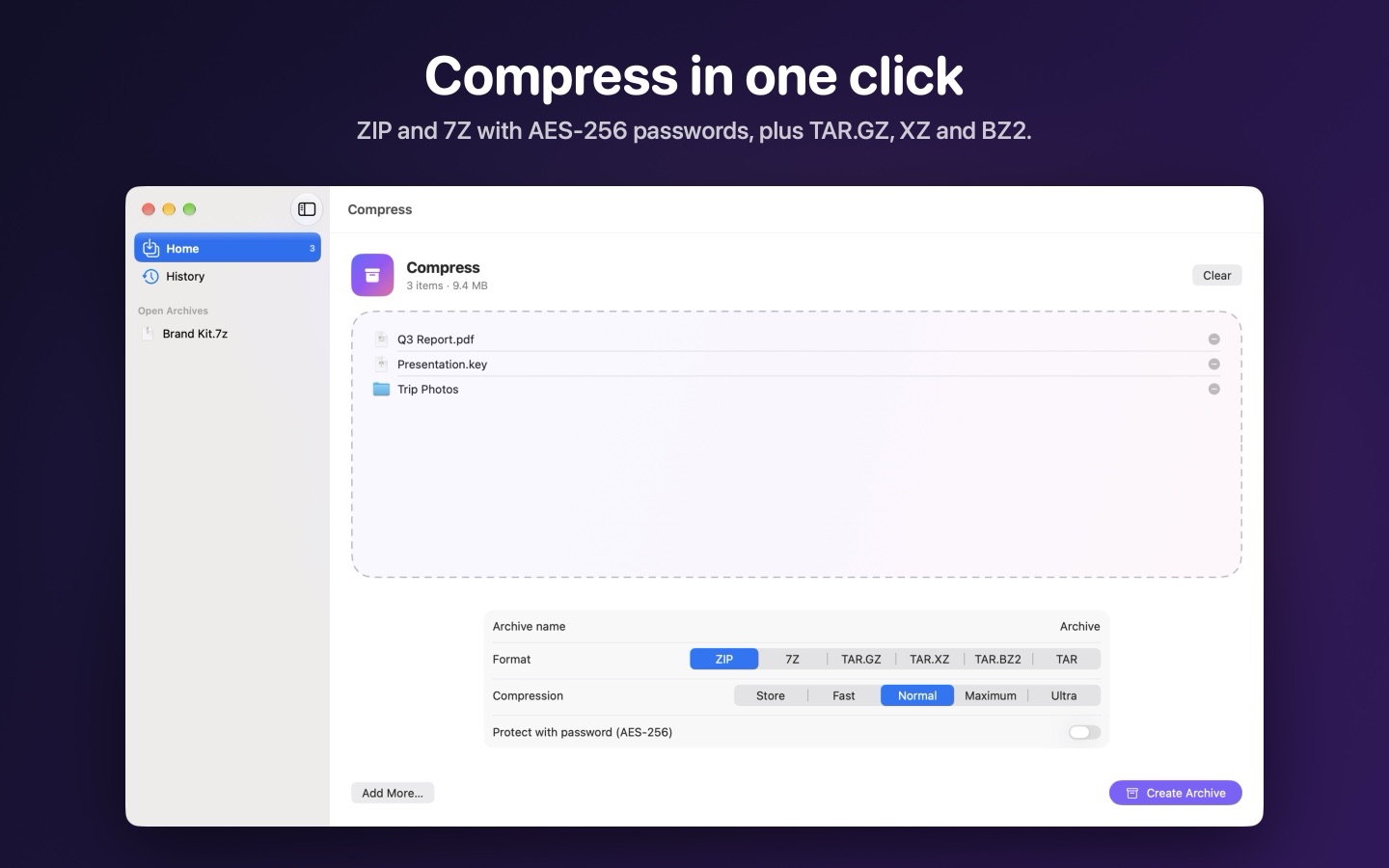
- Compress in one clickZIP and 7Z with AES-256 passwords, plus TAR.GZ, TAR.XZ and TAR.BZ2.
- Right in Finder"Extract Here" and "Compress" in Finder's right-click menu.
- 34 languagesIncluding English, Portuguese, Spanish, French, German, Japanese and Chinese.
- PrivateEverything happens on your Mac. No accounts, no tracking.
Screens
Bought directly from us
The same app as on the Mac App Store, with a little more. Compare the two.
- No folder promptsOpens and extracts anywhere without asking for access to the archive's folder or the one it extracts to.
- Up to 5 MacsOne licence, with a key, for the Macs you use. Activate with the key, or the email or CPF you paid with.
- Card or PixPay through Kiwify with a card from anywhere, or Pix in Brazil, and the app updates itself.
Pay once. That's it.
R$ 34.90. No subscription, no in-app purchases, no ads, no tracking.
Questions
Can I try it first?
The download is free, but Extracta only opens and creates archives once it's activated. If it doesn't do what you need, write to us within 14 days and you get your money back. See the refund policy.
Does it change my archives?
No. Opening and extracting leave the archive just as it was.
Which Macs does it run on?
Any Mac with macOS 14 Sonoma or later, Apple silicon or Intel.
App Store or directly from you: what's the difference?
It's the same app. Bought from us, it does a little more, asks for fewer permissions, covers up to 5 Macs and updates itself. See the comparison.
Does it collect data about me?
No. There are no accounts, analytics or ads, and your files never leave your Mac. See the privacy notice.