 Photos on TV · for LG TVs
Your Google Photos albums on your TV.
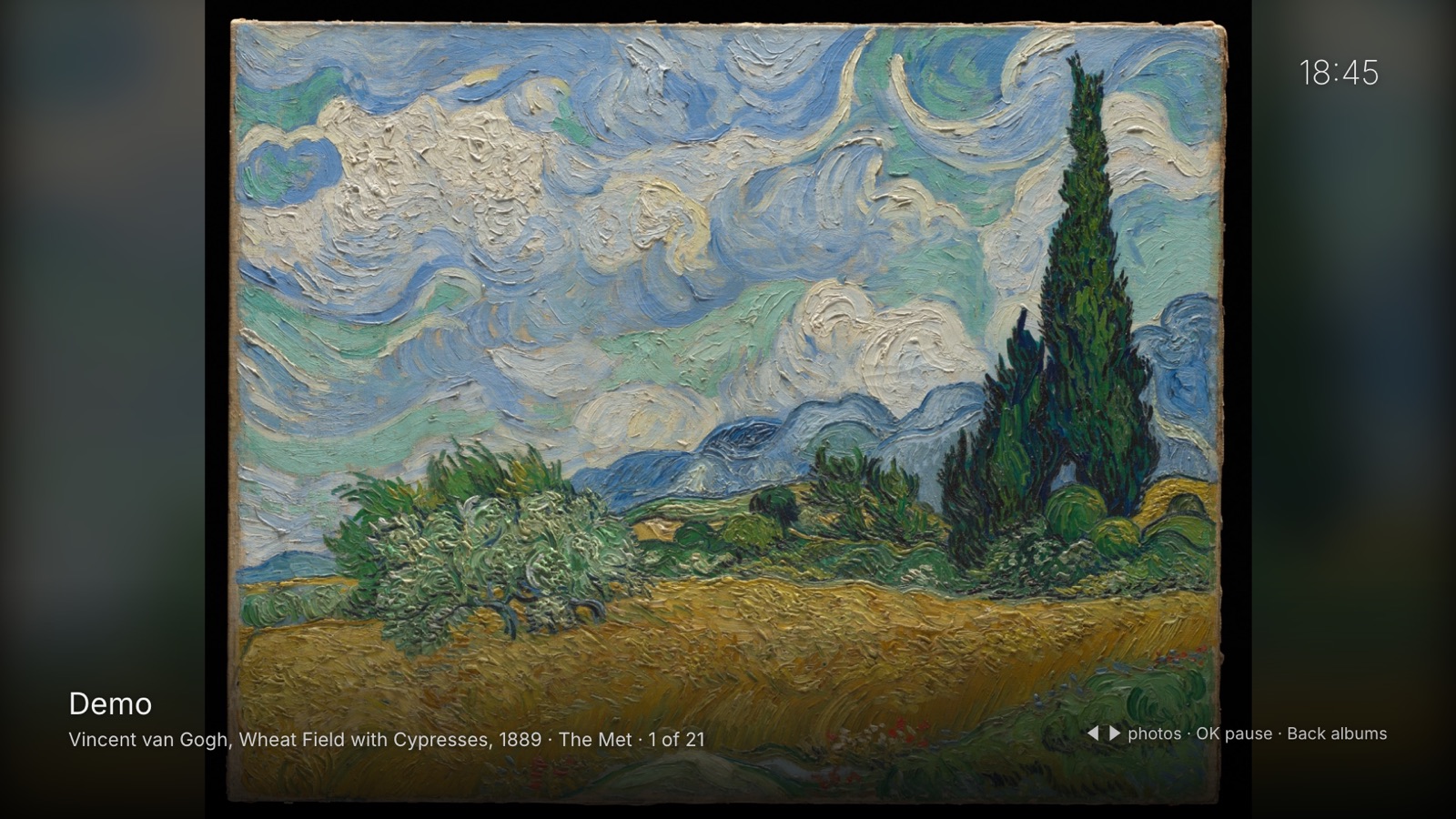
Share an album by link, send the link to the TV, and your photos play as a slideshow on the big screen. No Google sign-in on the TV, no cables, and no servers of ours in between.
How it worksFree to try · US$ 3.99 to unlock
Coming soon to the LG Content Store, for LG TVs with webOS 6 or later (2021 models onward).
How it works
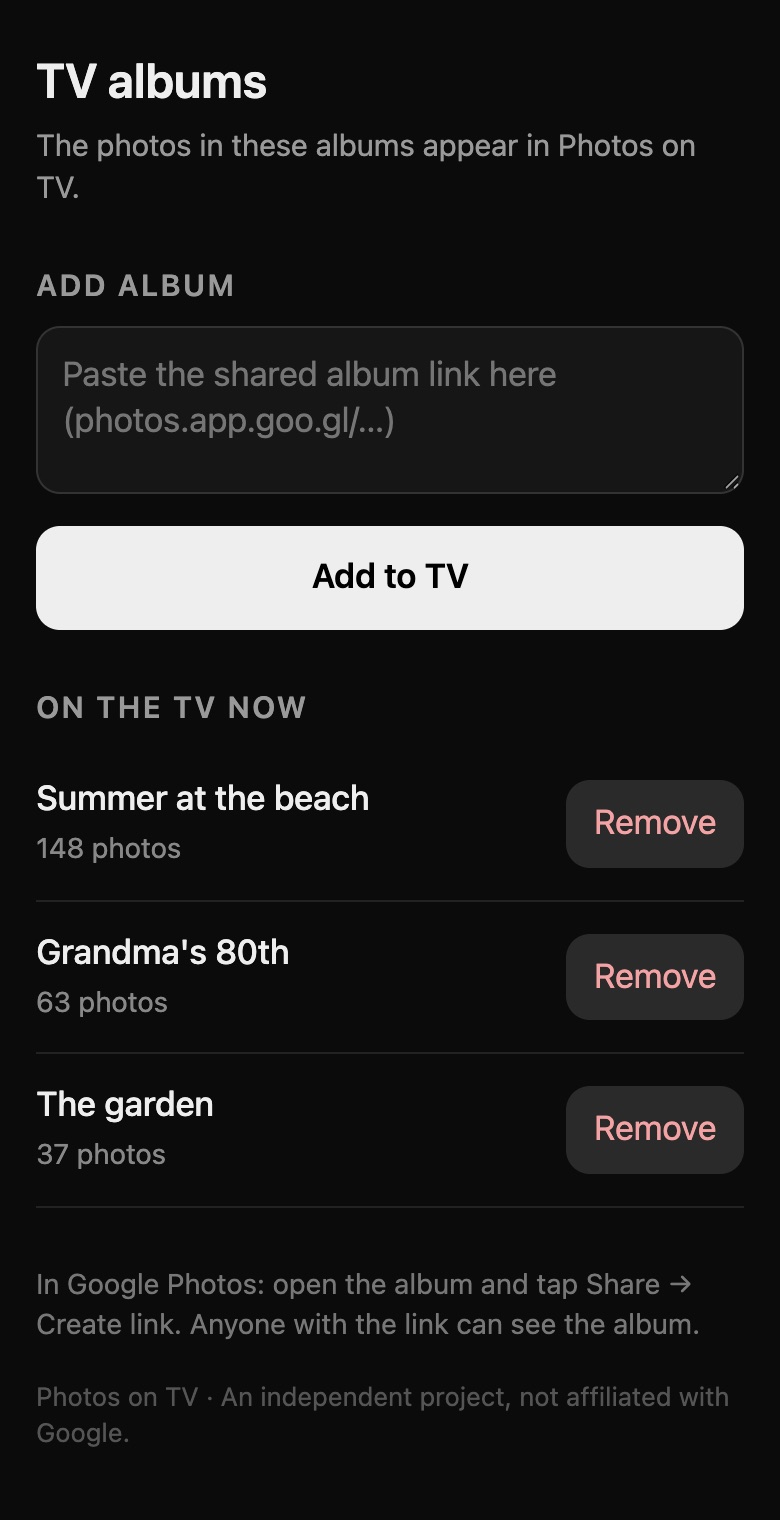
- Share an album by link. In Google Photos on your phone, open an album, tap Share and then Create link.
- Send the link to the TV. Scan the QR code on the TV with your phone and paste the link on the page that opens. Or type the link with the remote.
- Sit back. The TV shows the album as a slideshow. Photos you add to the album later show up on their own.
What it does
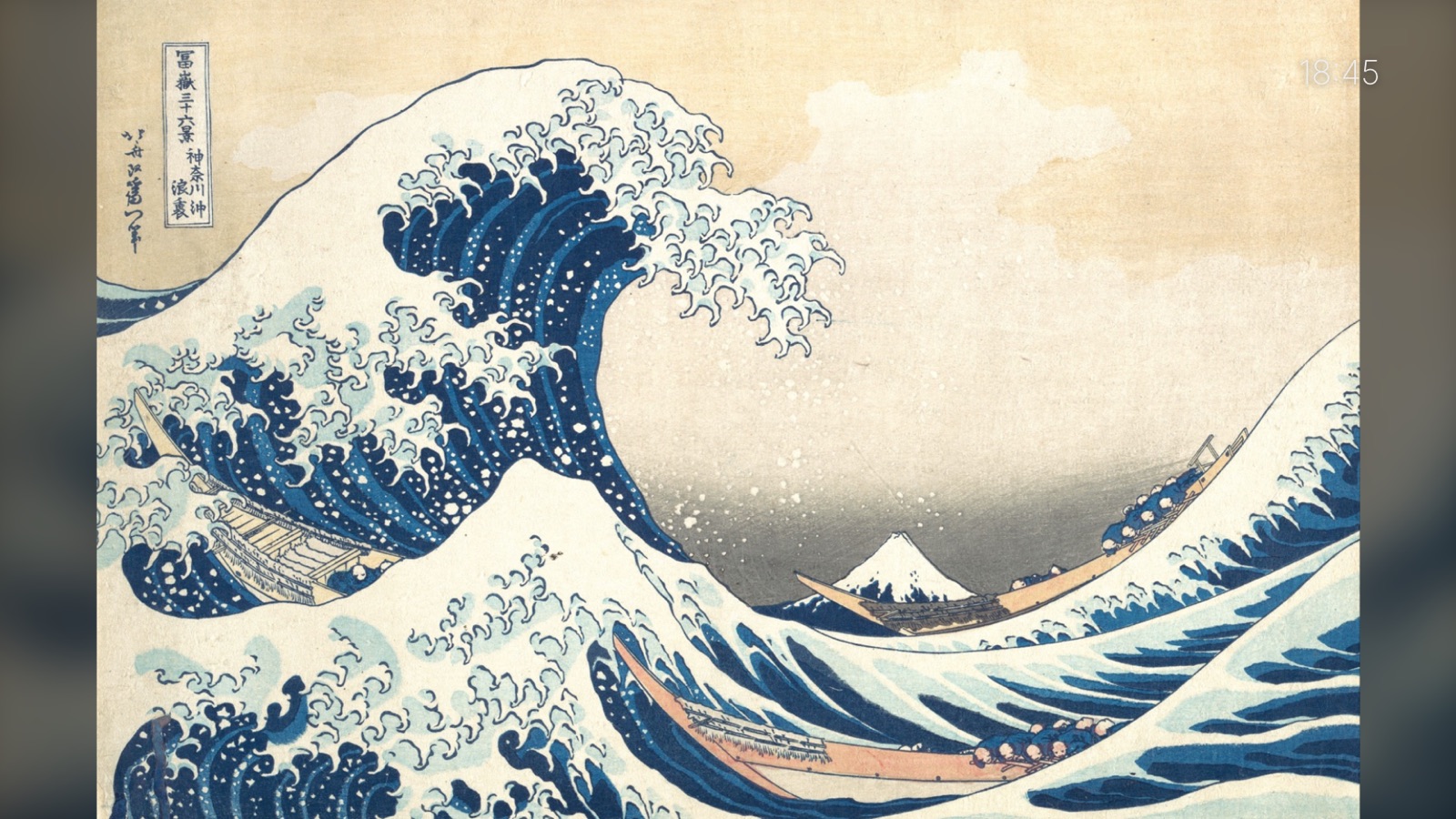
- Your paceEach photo for 5 to 60 seconds, in order, shuffled or by date, with a slow zoom or a fade.
- Quiet on screenThe album name, the date and the controls fade away after a few seconds. The clock can stay or go.
- Videos tooVideos in the album play on the TV. You can also choose to skip them.
- Several albumsAdd as many shared albums as you like, and show one of them or all together.
- Sleep timerStops after 1, 2, 4 or 8 hours, or keeps going.
- No accountNo Google sign-in on the TV. The photos go straight from Google to your TV.
- Your remoteWorks with the arrow keys and with the Magic Remote pointer.
- 40 languagesIncluding English, Portuguese, Spanish, French, German, Japanese, Korean, Arabic and Hindi.
Screens
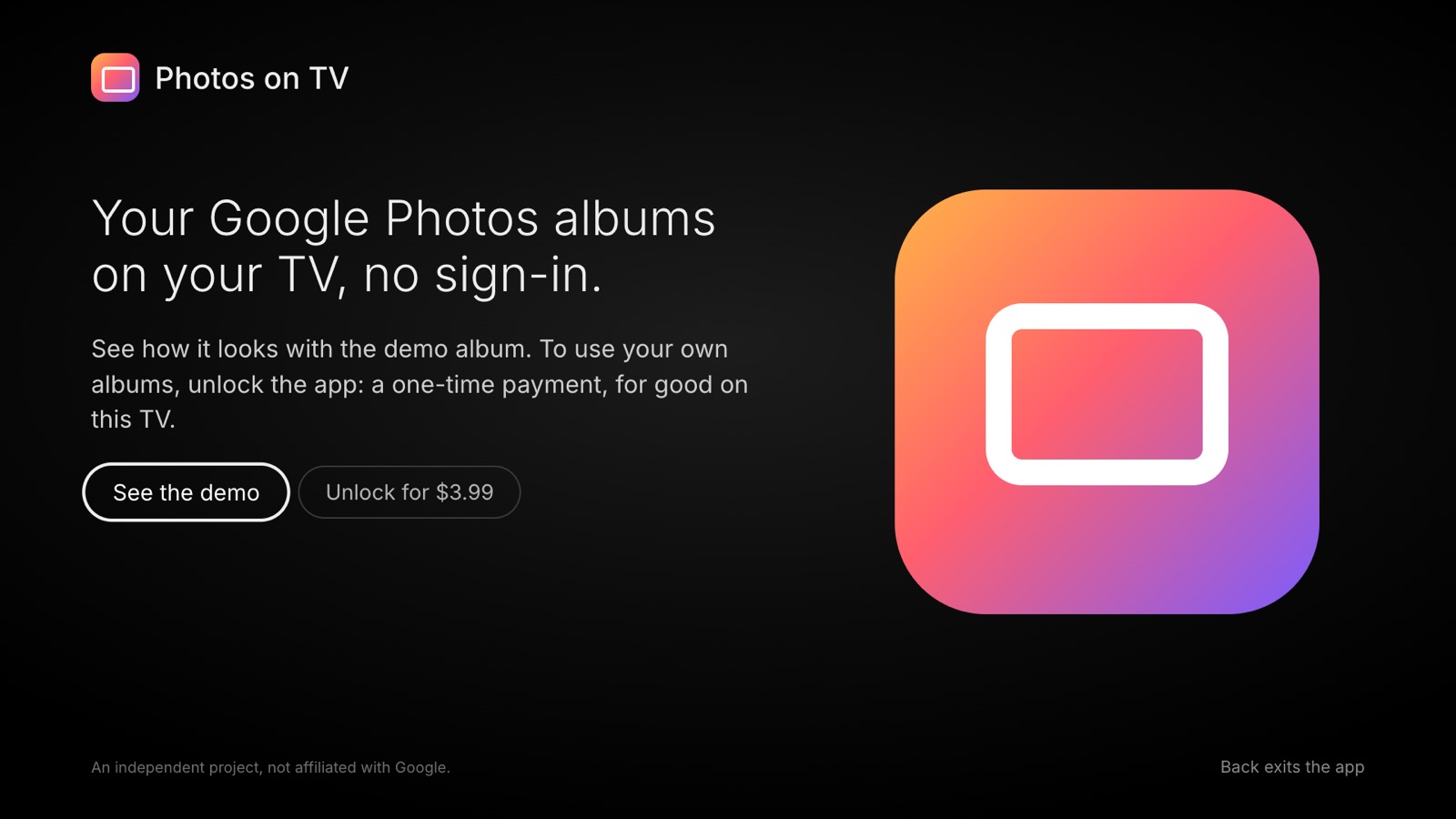
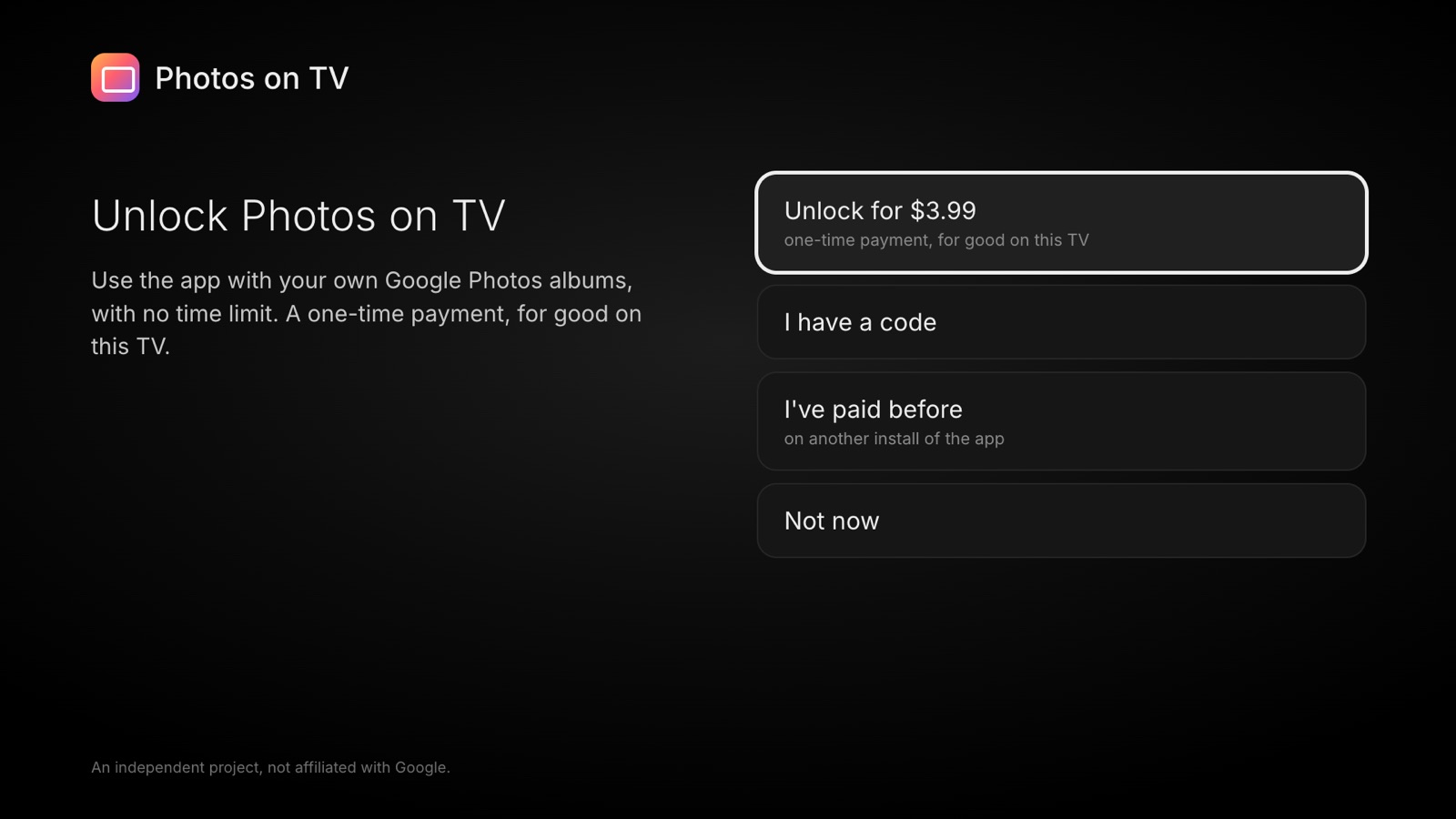
Free to try. Pay once.
The demo album is free. To show your own albums, unlock the app on your TV with a one-time payment of US$ 3.99 (R$ 9.90 with Pix in Brazil). No subscription, no ads.
Questions
Do I need to sign in to Google on the TV?
No. The app uses albums shared by link, the same link you would send to a friend. Anyone who has the link can see the album, so share it only with people you trust.
Do my photos go through your servers?
No. The TV loads the photos straight from Google. The album links and your settings stay on the TV. See the privacy notice.
Which TVs does it work on?
LG smart TVs with webOS 6 or later (2021 models onward), from the LG Content Store. It works on Full HD and 4K screens.
What if I reset the TV or reinstall the app?
On the unlock screen, choose "I've paid before" and enter the email you paid with (or your CPF, if you paid with Pix in Brazil). If that doesn't work, write to contato@jabutilabs.app.br.
I have two TVs. Do I pay twice?
Each unlock is for one TV. Write to us if you need several.
Is this made by Google or LG?
No. Photos on TV is an independent app by Jabuti Labs. It is not affiliated with, sponsored or endorsed by Google or LG. Google Photos is a trademark of Google LLC.